General Usage
Controls
How to use the DollyManager
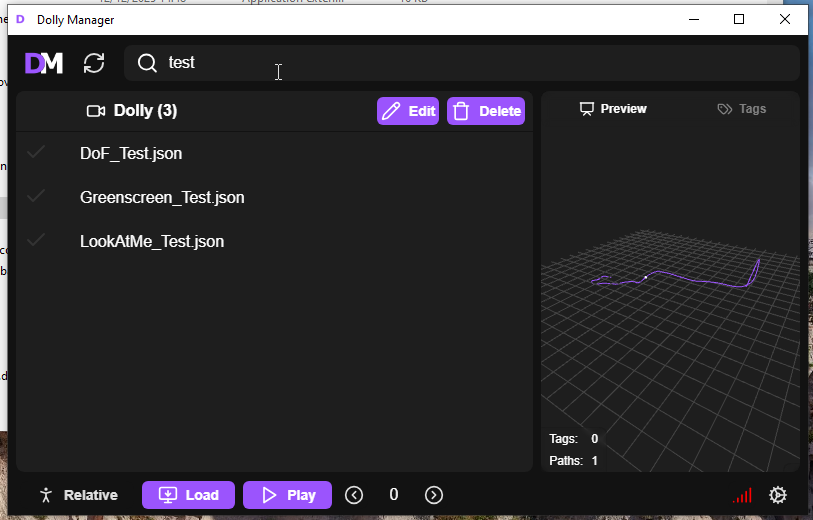
Searching
The search bar at the top of the page can be used to filter through dolly names, aliases, and tags.
Loading
The Load button imports the selected dolly into VRChat.
If you want to load the dolly relative to your current position, enable the Relative button.
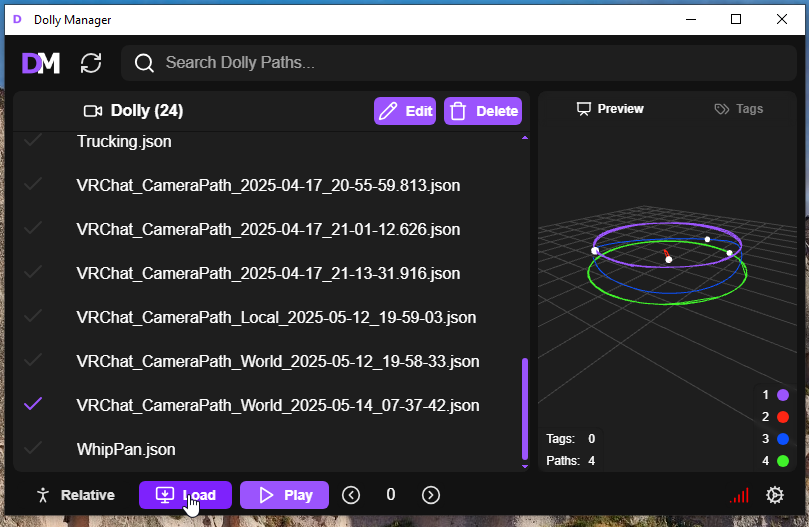
Loading a will only be available if OSC is enabled and connected.
Playing
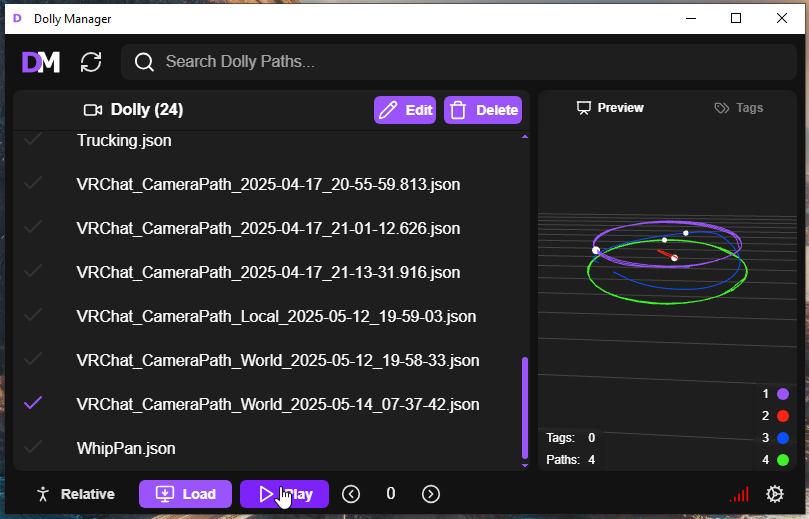
Once a dolly is loaded into VRChat you can press the play button which starts the dolly animation after the specified delay.
Editing
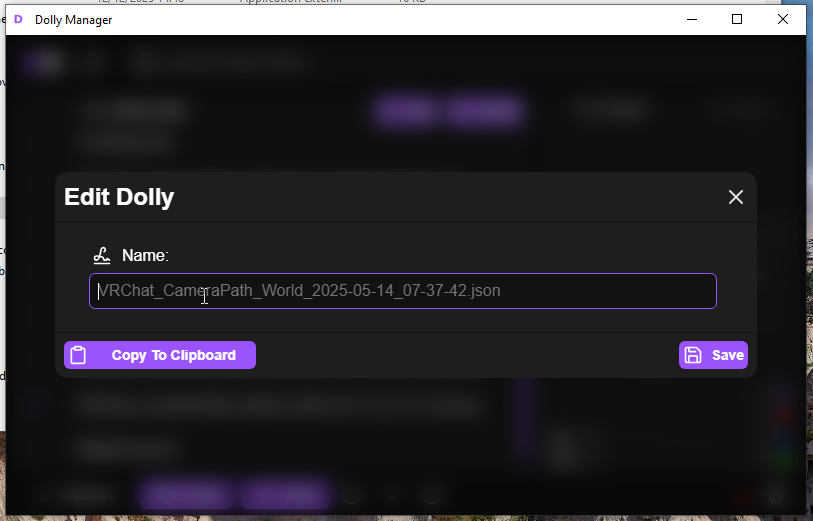
The Edit Button allows you to rename or export the selected dolly.
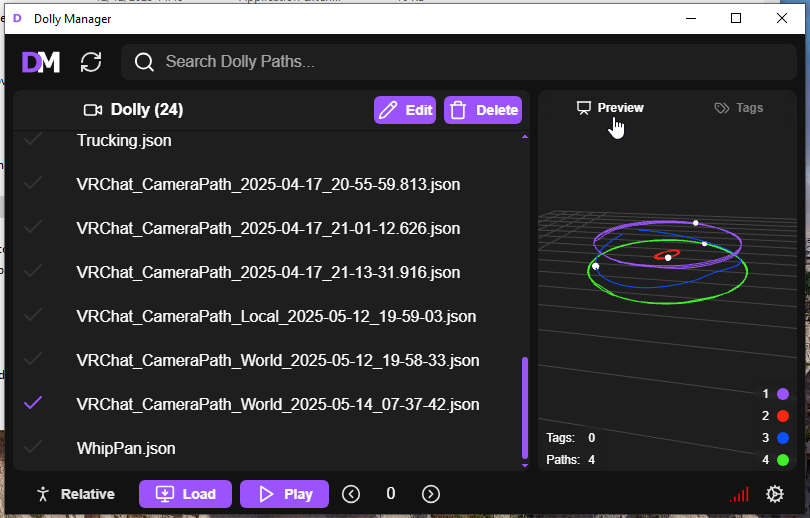
Previewing
The Preview tab allows you to view the selected dolly in 3D.
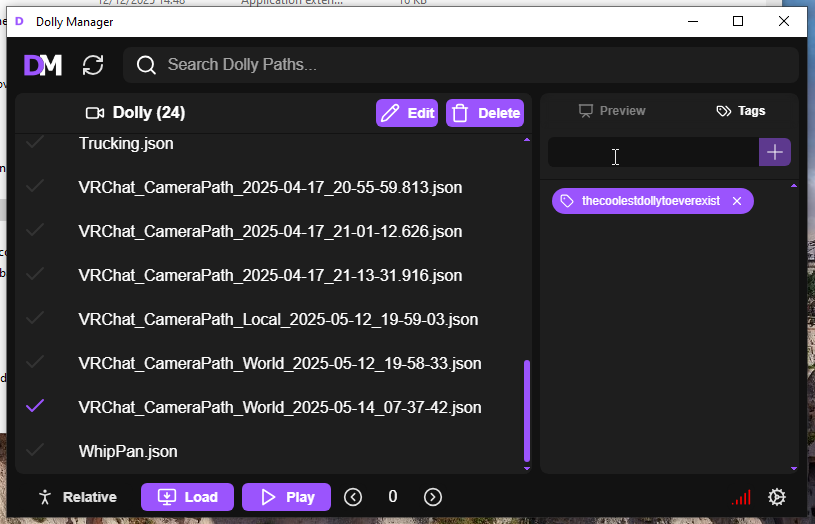
Tagging
The Tags tag allows you to add or remove tags from the dolly.
Exporting
- Select the dolly you want to export
- Click the
Editbutton - Click the
Copy To Clipboardbutton - Share the copied file with your friends or paste it somewhere else.
Importing
- Drag and drop the dolly file into the Dolly Manager window.
- The file will be automatically imported and added to the list
If the dolly is already in the list, it will be updated with the information from the new file.