General Usage
Installation
Your first steps to using DollyManager
Pre-Requisites
- VRChat - DollyManager is designed to work with VRChat.
- You must have OSC enabled in your VRChat settings:
- VRChat Settings > Avatars > Scroll down > OSC
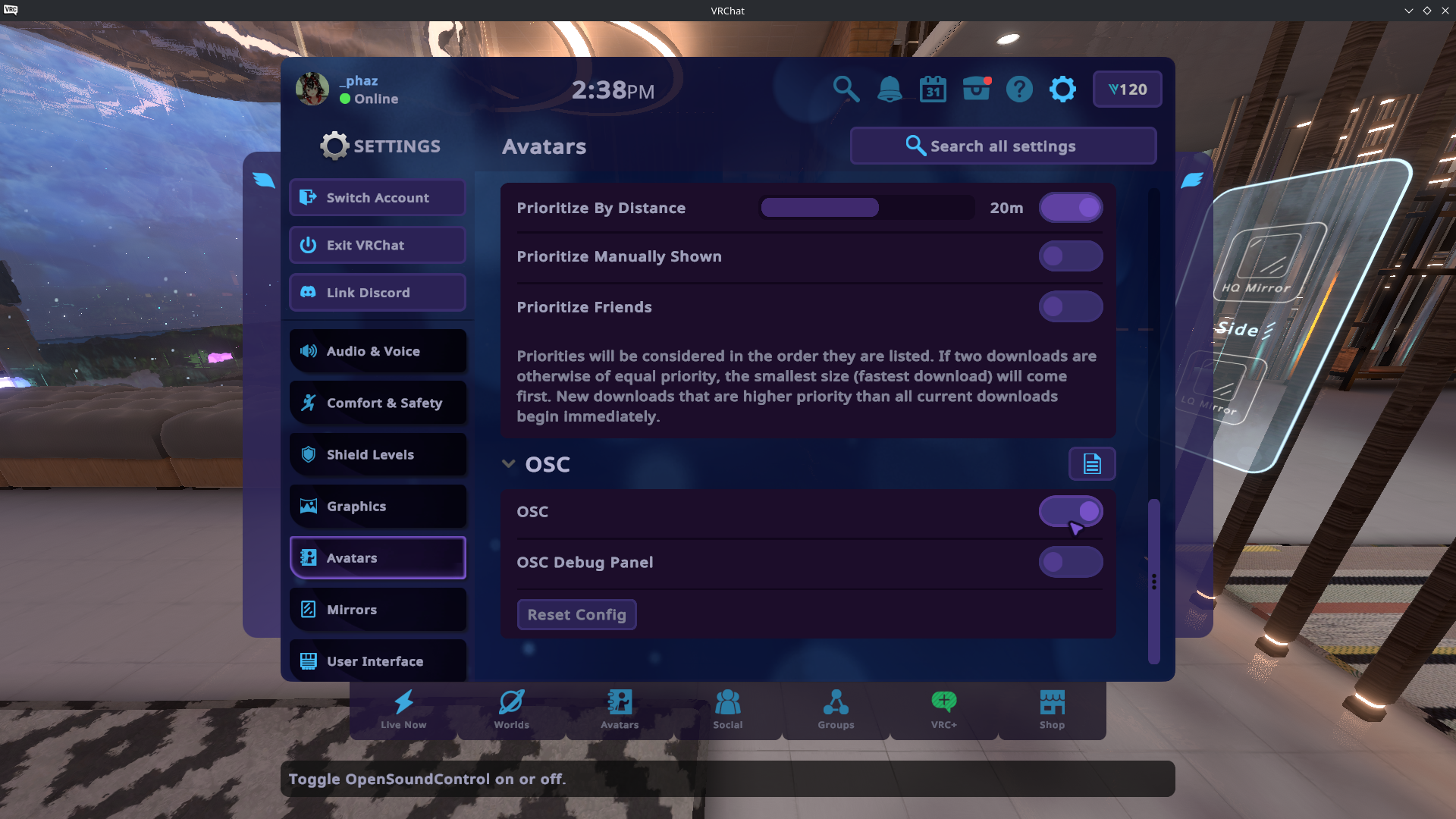
- VRChat Settings > Avatars > Scroll down > OSC
Installation
- Download the
.zipof DollyManager from here - Extract the ZIP to a convenient location.
- Scroll down until you see
DollyManagerorVRCDollyManager.exe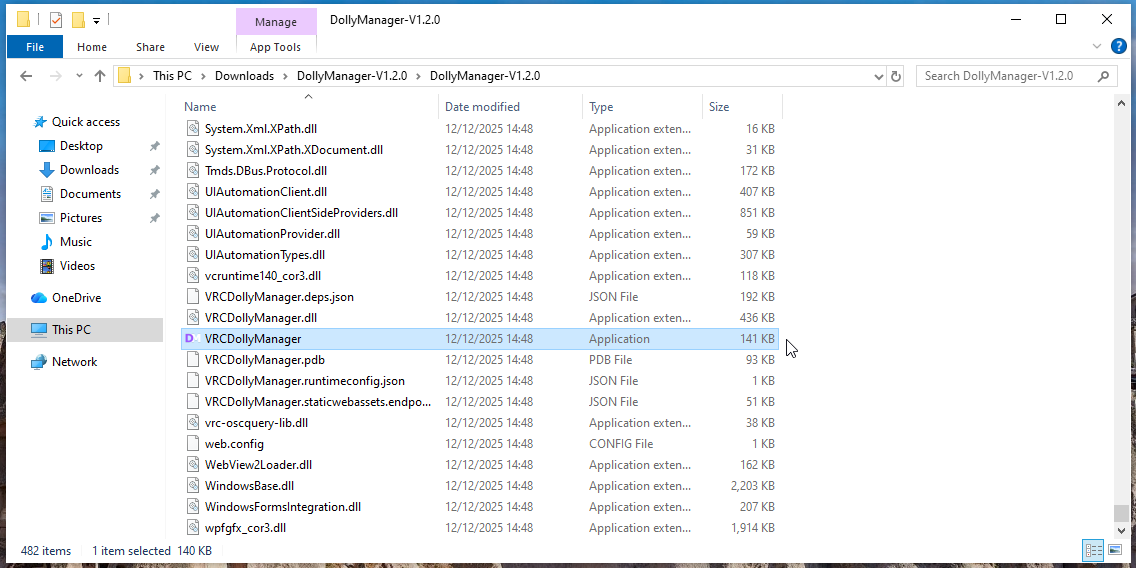
- Run the VRCDollyManager file.
If you see a "Microsoft Defender SmartScreen" popup, this is due to the app not being officially signed by Microsoft. You can click "More info" and then "Run anyway" to run the app.
To quote Microsoft's own FAQ about SmartScreen:
Does this warning mean the file is malicious and will harm my computer?
No - the App Reputation warning is not an indication that the download is malicious. However, for the average Internet Explorer, Microsoft Edge and Windows user, this warning is usually associated with a download that may have a higher risk of being malicious.